NextBuilder vs ShipFast: Which SaaS Boilerplate is Right for You?
Explore the key differences between NextBuilder and ShipFast to decide which SaaS boilerplate suits your project. Learn about architecture, features, and use cases to make an informed choice.

Zakariae

Choosing the right foundation for your SaaS project can mean the difference between launching in days versus months. For developers and entrepreneurs in the United States building multi-tenant platforms, app builders, or subscription-based services, the boilerplate market has exploded with options. Two names consistently surface in conversations: NextBuilder and ShipFast. Both promise to accelerate your development timeline, but they serve fundamentally different purposes and audiences.
This comprehensive comparison examines every angle that matters to technical founders and development teams. We will explore architecture decisions, feature sets, pricing models, scalability considerations, and real-world use cases to help you make an informed decision. Whether you are a solo developer validating an idea or a web agency building white-label solutions for clients, understanding these differences will save you significant time and potential headaches down the road.
Key Takeaways
- NextBuilder specializes in multi-tenant SaaS platforms where your clients create their own applications with custom subdomains and SSL certificates.
- ShipFast excels at rapid MVP launches for single-tenant applications where speed to market is the primary concern.
- Architecture fundamentally differs: NextBuilder provides enterprise-grade tenant isolation while shipfast focuses on simplicity and quick deployment.
- Pricing models reflect different value propositions: one-time payments versus the long-term infrastructure costs you will manage.
- Your choice depends on your product type: platform builders need NextBuilder; individual SaaS products may thrive with simpler alternatives.
- Self-hosting capabilities vary significantly, with NextBuilder including comprehensive guides for cost-effective infrastructure deployment.
- Team collaboration features differ substantially, affecting how you scale your development and customer success operations.
Understanding the Core Philosophy Behind Each Platform
Before diving into feature comparisons, it is essential to understand what each platform was designed to accomplish. NextBuilder emerged from a specific need in the market: founders wanted to build platforms where their customers could create applications. Think of tools like Webflow, Carrd, or Notion, where the end product is itself a creation tool. This requires sophisticated multi-tenant architecture, custom domain handling, and nested permission systems that most boilerplates simply do not address.
The alternative approach focuses on helping individual developers ship their own SaaS products quickly. These solutions prioritize getting a single application to market with authentication, payments, and basic infrastructure already configured. They work exceptionally well for straightforward subscription services, content platforms, or API products where you control the entire user experience without needing to support client-created content or applications.
This philosophical difference cascades through every technical decision. NextBuilder's architecture assumes you need to manage thousands of tenants, each with their own subdomain, branding, and potentially their own paying customers. The alternative approach assumes you are building one product for one audience, optimizing for developer experience and launch speed above all else. Neither philosophy is wrong; they simply serve different markets and use cases.
Understanding this distinction early prevents the frustrating experience of choosing a tool that does not match your product vision. Many founders have wasted weeks retrofitting single-tenant solutions to support multi-tenancy, or conversely, wrestling with complex platform features they never needed. Your product roadmap should drive your boilerplate choice, not the other way around.
Multi-Tenant Architecture: The Defining Difference
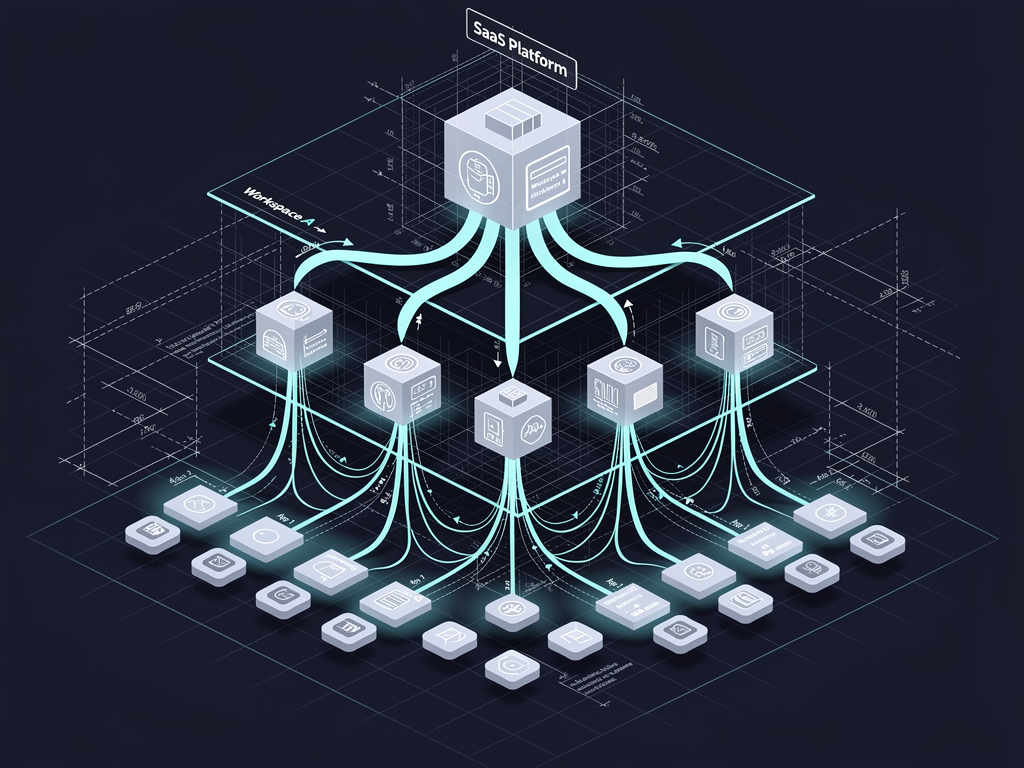
The most significant technical distinction between these platforms lies in their approach to multi-tenancy. NextBuilder was built from the ground up as a multi-tenant boilerplate that handles the complex orchestration of multiple client environments. Each tenant in your platform can have their own subdomain, custom domain with automatic SSL provisioning, isolated data, and even their own paying members.
This architecture enables you to build platforms like website builders, form creators, survey tools, or any application where your customers need their own workspace. The technical complexity here is substantial: you need database isolation strategies, dynamic routing based on hostname, certificate management, and permission systems that span multiple organizational levels. NextBuilder handles all of this out of the box, representing hundreds of hours of specialized development work.
Simpler boilerplates typically offer basic team or organization features, but these are fundamentally different from true multi-tenancy. Having teams within your application is not the same as having clients who run their own businesses on your platform. The distinction matters for billing (your clients may charge their own customers), for data isolation (regulatory compliance often requires strict tenant separation), and for customization (each tenant may need different branding and feature sets).
Consider the practical implications: if you are building a no-code form builder, your customers need to create forms, share them on their own domains, collect responses, and potentially charge their own users for premium features. This nested structure, where your platform hosts businesses that serve their own customers, requires architectural decisions that cannot be easily bolted onto a simpler foundation. NextBuilder provides this architecture natively, while retrofitting it onto other solutions often requires rewriting core application logic.
Authentication Systems and User Management
Authentication requirements differ dramatically between platform builders and single-product SaaS applications. NextBuilder implements what it calls dual authentication: one system for platform users (your direct customers who build applications) and another for app members (the end users of applications your customers create). This separation is crucial for maintaining security boundaries and providing appropriate interfaces to different user types.
Your platform users need access to builder interfaces, billing management, and administrative controls. Their members, however, only need access to the specific applications they have been granted permission to use. These are fundamentally different authentication contexts with different session requirements, permission models, and user interface needs. NextBuilder's implementation of NextAuth 5.0 handles both contexts seamlessly, routing users to appropriate dashboards based on their role and the domain they access.
Simpler authentication implementations work well for products where all users have essentially the same relationship to your application. If you are building a project management tool, an analytics dashboard, or a content platform, everyone logs in the same way and accesses the same core interface (with feature differences based on subscription tier). This model is straightforward to implement and maintain, which is why many boilerplates focus exclusively on it.
The complexity multiplies when you consider team collaboration. NextBuilder includes five distinct permission levels for team management, allowing granular control over who can edit applications, manage billing, invite members, or access administrative functions. This level of permission granularity is essential for agencies managing multiple client projects or businesses with complex organizational structures. Simpler solutions typically offer basic admin/member distinctions that may not scale with your needs.
Session management across custom domains adds another layer of complexity. When your customers use their own domains, authentication tokens must work correctly across different hostnames while maintaining security. This requires careful cookie configuration, proper CORS handling, and often custom middleware to route authentication requests appropriately. NextBuilder includes this functionality; building it yourself requires deep understanding of web security principles and significant testing across different browser configurations.
Payment Processing and Monetization Capabilities
Revenue generation is the lifeblood of any SaaS business, and the payment infrastructure your boilerplate provides significantly impacts your monetization options. Both platforms support Stripe integration for accepting payments, but the depth and flexibility of these implementations vary considerably.
NextBuilder's payment system is designed for platform economics, where you need to accept payments from your customers while also enabling them to monetize their own applications. This might involve revenue sharing arrangements, platform fees on transactions, or tiered pricing based on the number of applications or members your customers manage. The billing infrastructure supports these complex scenarios out of the box, including usage-based components that track application creation, member counts, or API calls.
For straightforward SaaS products, payment processing is simpler: customers subscribe to your plans, you charge them monthly or annually, and you provide access based on their subscription status. Most boilerplates handle this well, with pre-built checkout flows, subscription management interfaces, and webhook handlers for Stripe events. If your monetization model fits this pattern, you do not need the additional complexity of platform-style billing.
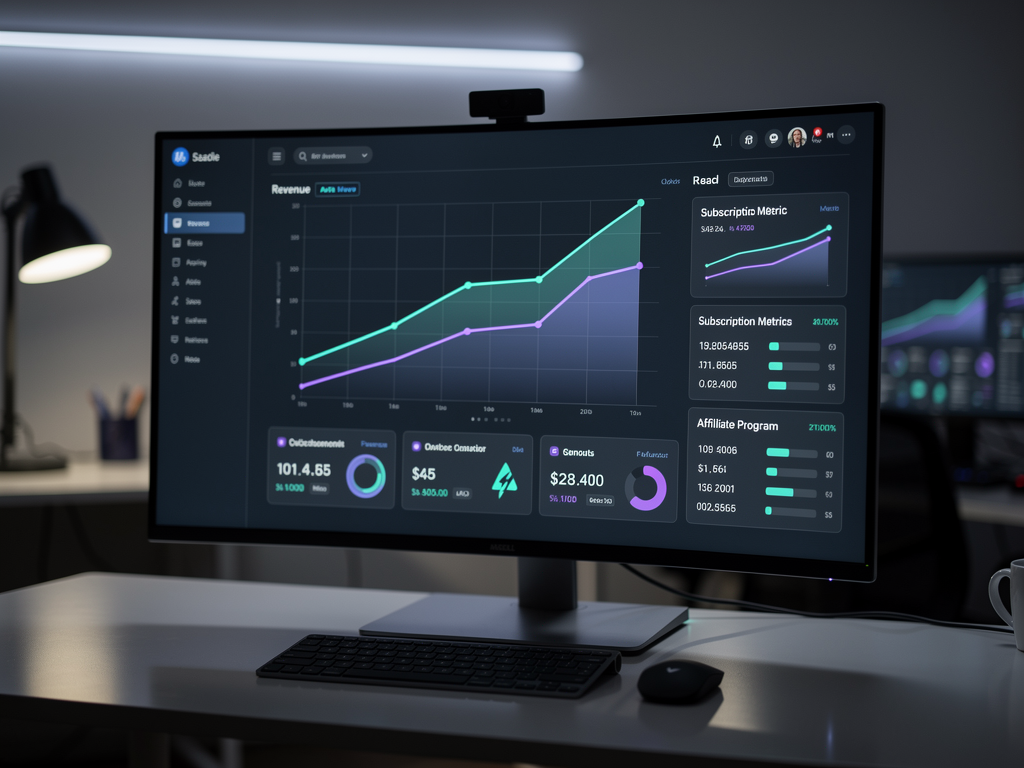
Consider your long-term pricing strategy when evaluating payment capabilities. Will you offer one-time purchases, subscriptions, usage-based billing, or some combination? Do you need to support multiple currencies for international customers? Will you eventually want to offer affiliate programs or referral incentives? NextBuilder includes a built-in affiliate program system, recognizing that platform businesses often rely heavily on partner-driven growth. This feature alone can take weeks to build properly, including tracking, attribution, and payout management.
Custom Domains and SSL Certificate Management
For platform builders, custom domain support is not optional; it is a core feature that directly impacts your customers' professional appearance and brand identity. NextBuilder provides custom domains with automatic SSL provisioning for every application your customers create. This means your customers can point their own domains to applications built on your platform, complete with valid HTTPS certificates that renew automatically.
The technical implementation of this feature is surprisingly complex. You need DNS verification workflows, certificate generation through services like Let's Encrypt, automatic renewal processes, and fallback handling when domains are misconfigured. You also need to route incoming requests to the correct tenant based on the hostname, which requires dynamic routing logic that most frameworks do not provide out of the box.
Subdomain support adds another dimension. NextBuilder allows each client to have their own subdomain (like client-name.yourplatform.com) in addition to custom domains. This provides immediate professional URLs without requiring customers to configure their own DNS, lowering the barrier to getting started while still offering the upgrade path to fully custom domains when they are ready.
If you are building a single SaaS product, custom domain support is typically unnecessary. Your application lives at one domain, all users access it there, and SSL certificate management is a one-time configuration task. This is another example of how your product type should drive your boilerplate choice: the complexity of multi-domain support is wasted if you never need it, but essential if your business model depends on it.
Infrastructure costs also differ based on domain handling requirements. Supporting thousands of custom domains requires specific hosting configurations and often additional services for certificate management. NextBuilder's self-hosting guide addresses these requirements specifically, showing how to deploy on cost-effective infrastructure while maintaining the performance and reliability your customers expect.
Technology Stack and Framework Considerations
Both platforms build on the Next.js ecosystem, leveraging React's component model and Next.js's hybrid rendering capabilities. However, the specific versions and supporting technologies differ in ways that affect your development experience and long-term maintenance burden.
NextBuilder uses Next.js 16 with the App Router, representing the latest stable release with all current features and optimizations. The stack includes Tailwind CSS for styling, shadcn/ui for component primitives, and TypeScript throughout for type safety. This modern foundation means you are starting with current best practices rather than inheriting technical debt from older patterns.
For state management, NextBuilder combines Zustand and React Query, providing both client-side state handling and server state synchronization. This combination has become a standard pattern in the React ecosystem, offering simplicity for local state while handling the complexity of data fetching, caching, and synchronization with your backend. Understanding these libraries is valuable regardless of which boilerplate you choose, as they appear frequently in modern React applications.
The database layer uses Prisma with PostgreSQL, supporting both managed services like Neon and Supabase and self-hosted deployments. Prisma's type-safe database client integrates well with TypeScript, providing autocomplete and compile-time checking for your database queries. The included self-hosting guide covers Supabase deployment specifically, allowing you to run your own PostgreSQL instance with real-time capabilities and authentication services.
Server actions handle backend logic, representing Next.js's recommended approach for form handling and data mutations. This pattern reduces the need for separate API routes in many cases, simplifying your codebase while maintaining security through server-side execution. The email system is custom-built rather than relying on third-party services, giving you full control over transactional emails and marketing campaigns.
When evaluating any Next.js boilerplate, consider how the technology choices align with your team's expertise and your product's requirements. A stack you understand deeply will always be more productive than one with theoretically superior technologies that your team must learn from scratch.
Developer Experience and Documentation Quality
The quality of documentation and overall developer experience often determines how quickly you can move from purchase to production. A boilerplate with excellent code but poor documentation can be more frustrating than a simpler solution with comprehensive guides.
NextBuilder includes a complete self-hosting guide covering deployment on Hetzner with Coolify and Supabase. This specific, opinionated guidance is valuable because it eliminates decision fatigue around infrastructure choices. Rather than researching hosting options, comparing prices, and figuring out configuration, you can follow a tested path to production deployment. The guide specifically targets cost-effective infrastructure, claiming enterprise-level platform hosting for approximately $15 per month.
Code organization in platform-focused boilerplates tends to be more complex by necessity. You are dealing with more entities (platforms, tenants, applications, members), more relationships between them, and more edge cases in routing and authentication. Good documentation explains not just how to use features but why they are structured as they are, helping you extend the codebase confidently rather than treating it as a black box.
Consider the learning curve relative to your timeline. If you need to ship something this week, a simpler solution with less to learn may be appropriate even if it limits your long-term options. If you are building a platform that will grow over years, investing time to understand a more sophisticated architecture pays dividends as your product evolves. The SaaS starter kit you choose should match both your immediate needs and your growth trajectory.
Community support varies between platforms. Larger communities mean more Stack Overflow answers, more blog posts, and more developers who have solved problems similar to yours. However, specialized platforms often have more focused communities where questions get answered by people who deeply understand the specific use case. Evaluate both the size and the relevance of community resources when making your decision.

Admin Dashboards and Analytics
Understanding how your platform performs requires robust analytics and administrative interfaces. NextBuilder includes an admin dashboard with real-time analytics, providing visibility into platform usage, customer behavior, and business metrics without requiring third-party analytics integration.
For platform businesses, admin needs extend beyond simple user management. You need to see which tenants are most active, which features drive engagement, where users encounter friction, and how revenue distributes across your customer base. These insights inform product decisions, pricing adjustments, and customer success priorities. Having this visibility built into your platform from day one accelerates your ability to make data-driven decisions.
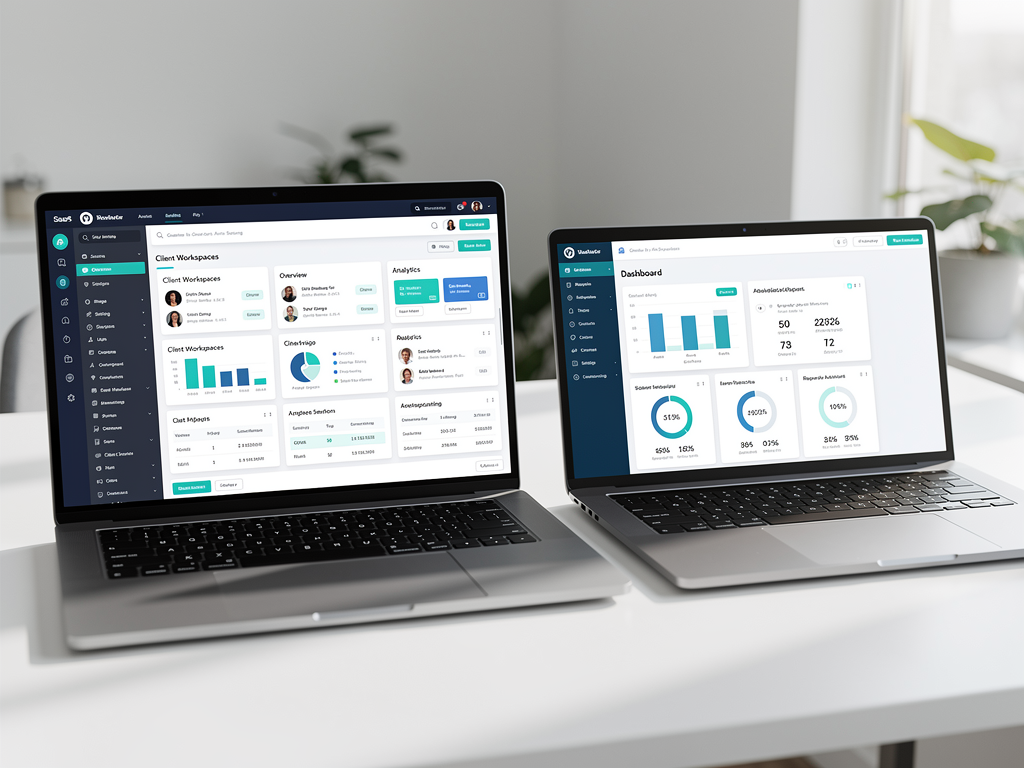
Client dashboards are equally important in multi-tenant platforms. Your customers need interfaces to manage their own applications, users, billing, and settings. NextBuilder provides client dashboards for profile, billing, and account management, giving your customers self-service capabilities that reduce your support burden. Well-designed client dashboards improve customer satisfaction while freeing your team to focus on product development rather than manual account management tasks.
Member dashboards complete the picture for platforms where end users need their own interfaces. If your customers' applications have members (users of the applications your customers build), those members need appropriate access to their accounts, settings, and content. NextBuilder includes member dashboards for every app, providing this third level of interface without requiring custom development.
The complexity of three-tier dashboards (admin, client, member) illustrates why platform-focused boilerplates exist as a distinct category. Building these interfaces from scratch requires significant design and development effort, and getting the permission boundaries correct is critical for security. Starting with a proven implementation lets you customize the appearance and add features rather than building the foundation from nothing.
Email Marketing and Communication Systems
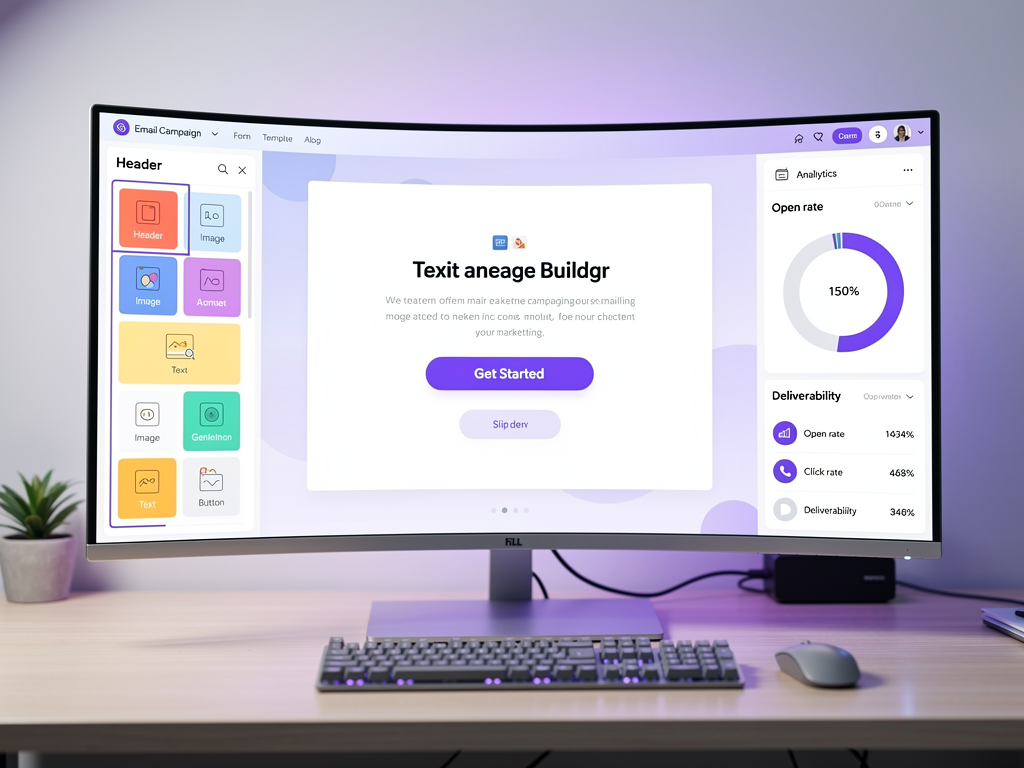
Customer communication is essential for SaaS success, encompassing transactional emails, marketing campaigns, and automated sequences. NextBuilder includes a custom email marketing system with campaign builder, providing these capabilities without requiring integration with external email service providers.
Transactional emails handle the critical communications that users expect: welcome messages, password resets, billing notifications, and activity alerts. NextBuilder includes over 10 transactional email templates covering common scenarios, saving you the time of designing and coding these emails from scratch. Well-designed transactional emails improve user experience and reduce support requests by proactively communicating important information.
Marketing email capabilities let you engage your customer base with product updates, feature announcements, and promotional content. For platform businesses, you may also want to enable your customers to send emails to their own members, adding another layer of complexity to email infrastructure. Consider whether your boilerplate supports this nested email capability if your platform model requires it.
Email deliverability is a hidden challenge that many developers underestimate. Sending emails that actually reach inboxes (rather than spam folders) requires proper DNS configuration, sender reputation management, and compliance with anti-spam regulations. Boilerplates that include email infrastructure should provide guidance on these configuration requirements, not just the code to send messages.
The build-versus-buy decision for email is worth considering carefully. External services like SendGrid, Postmark, or Resend offer sophisticated deliverability optimization and analytics but add ongoing costs and external dependencies. Built-in email systems give you more control and lower costs but require more infrastructure management. Your choice depends on your technical comfort level and your tolerance for external service dependencies.
Content Management and SEO Optimization
Content marketing drives organic growth for most SaaS businesses, making blog functionality and SEO optimization important boilerplate features. NextBuilder includes an MDX blog with SEO optimization, providing a content management system that integrates with your platform rather than requiring a separate CMS.
MDX combines Markdown simplicity with React component capabilities, letting you write content in a familiar format while embedding interactive elements when needed. This approach works well for technical content, tutorials, and documentation where you might want to include code samples, interactive demos, or custom visualizations alongside standard text content.
SEO optimization encompasses technical factors (proper meta tags, structured data, sitemaps, canonical URLs) and content factors (keyword optimization, internal linking, content freshness). Boilerplates should handle the technical SEO foundations automatically, generating appropriate metadata and ensuring search engines can crawl and index your content effectively. NextBuilder's SEO optimization features address these technical requirements, letting you focus on creating valuable content rather than debugging search engine issues.
For platform businesses, SEO considerations extend to your customers' content as well. If your customers create public-facing applications or content, those pages should be optimized for search engines too. This might involve generating dynamic sitemaps that include customer content, ensuring proper canonical tags to avoid duplicate content issues, and providing customers with tools to customize their own SEO settings.
Consider how content management scales with your business. A simple blog works fine when you are publishing weekly, but content operations at scale require editorial workflows, scheduling capabilities, and potentially multiple contributors with different permission levels. Evaluate whether your boilerplate's content system can grow with your content ambitions or whether you will eventually need to migrate to a more sophisticated CMS.
Infrastructure and Hosting Considerations
Where and how you host your SaaS application affects performance, cost, reliability, and compliance. NextBuilder's approach emphasizes self-hosting capabilities with specific guidance for cost-effective deployment, while many boilerplates assume deployment on managed platforms like Vercel.
The self-hosting guide included with NextBuilder covers deployment on Hetzner (a European hosting provider with competitive pricing and US data center options) using Coolify for container orchestration and Supabase for database services. This combination provides enterprise-grade infrastructure at a fraction of the cost of fully managed services, with the guide claiming approximately $15 per month for hosting a production platform.
Cost considerations compound over time. A $20 per month hosting bill seems trivial when you are starting, but platform businesses with thousands of tenants and significant traffic can see hosting costs grow substantially. Having the flexibility to optimize infrastructure costs, whether through self-hosting, reserved instances, or multi-cloud strategies, provides important financial flexibility as you scale.
Compliance requirements may dictate hosting choices for certain customers or industries. Healthcare applications subject to HIPAA, financial services with specific data residency requirements, or government contracts with FedRAMP considerations all constrain where you can host data. Self-hosting capabilities give you the flexibility to meet these requirements, while platform-locked deployments may exclude you from certain market segments.
Performance optimization at the infrastructure level includes considerations like edge caching, database connection pooling, and geographic distribution. For platforms serving customers globally, these optimizations significantly impact user experience. Evaluate whether your boilerplate's architecture supports the performance optimizations you will eventually need, even if you do not implement them immediately.
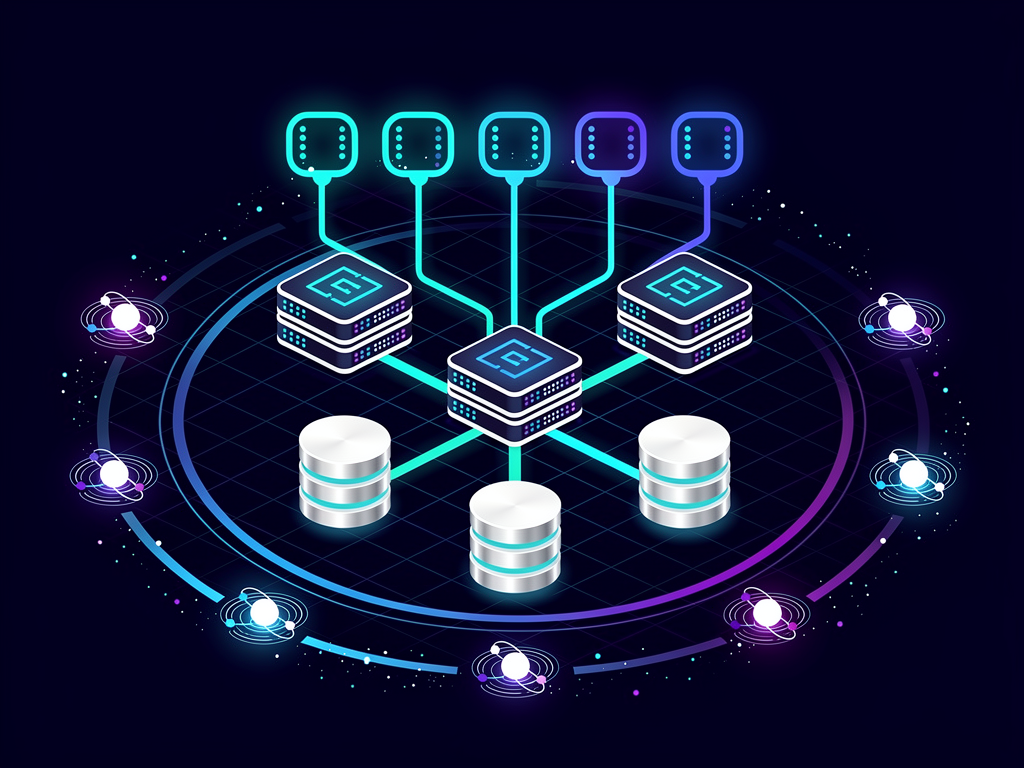
Pricing Models and Total Cost of Ownership
Boilerplate pricing typically follows one-time purchase models, but the total cost of ownership extends well beyond the initial purchase price. Understanding all cost components helps you make an accurate comparison between options.
Initial purchase prices for SaaS boilerplates range from free (open-source options) to several hundred dollars for comprehensive commercial solutions. NextBuilder and similar platform-focused boilerplates typically command premium prices reflecting their specialized functionality and the development time they save. Simpler SaaS template options often cost less but provide correspondingly less functionality.
Ongoing costs include hosting infrastructure, third-party services (payment processing, email delivery, analytics), and your own development time for customization and maintenance. A cheaper boilerplate that requires more customization may cost more overall than a pricier option that works out of the box. Calculate the hourly cost of your development time and factor it into your total cost comparison.
Licensing terms vary between products. Some boilerplates allow unlimited projects; others restrict you to a single application or require additional licenses for each deployment. If you plan to build multiple products or offer the platform to clients as an agency, licensing restrictions significantly impact your effective cost per project.
Support and updates are often overlooked cost factors. Does the boilerplate include ongoing updates for security patches and framework upgrades? Is support included, or does it require an additional subscription? How long will the product be maintained? A boilerplate that stops receiving updates becomes a liability rather than an asset, requiring you to maintain framework compatibility yourself or migrate to a different solution.
For agencies and consultancies building platforms for clients, consider the revenue potential alongside costs. A Next.js SaaS template that enables you to deliver client projects faster and at higher quality can justify significant upfront investment through improved project margins and client satisfaction.
Use Case Analysis: When to Choose Each Platform
Abstract feature comparisons only go so far; practical use cases illustrate when each platform excels. Consider these scenarios to identify which aligns best with your product vision.
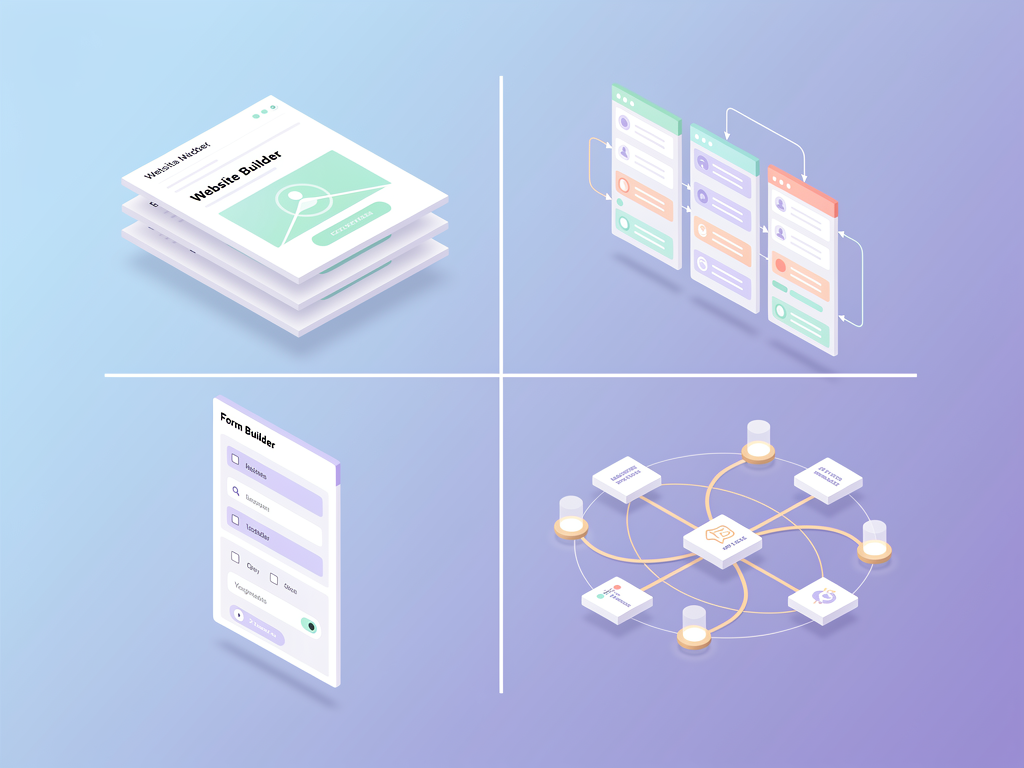
Building a no-code website builder: You want customers to create websites with your tools and publish them on custom domains. This is NextBuilder's core use case. You need multi-tenancy, custom domain support, member management for each site, and potentially payment processing for your customers to monetize their sites. Simpler boilerplates would require extensive custom development to support this model.
Launching a project management SaaS: You are building a single application where teams collaborate on projects. Users sign up, create workspaces, invite team members, and manage tasks. This is a straightforward single-tenant model where simpler boilerplates excel. You do not need custom domains for each workspace or nested payment processing.
Creating a form builder platform: Similar to the website builder scenario, your customers create forms, embed them or host them on custom domains, collect responses, and potentially charge for premium form features. Multi-tenancy, custom domains, and nested billing make NextBuilder the appropriate choice.
Building an API service: You are offering a developer-focused API with usage-based billing. Users sign up, get API keys, make requests, and pay based on usage. This model does not require multi-tenancy in the platform sense; you need solid authentication, usage tracking, and billing integration, which simpler boilerplates handle well.
Developing a white-label solution for agencies: You want to offer a platform that agencies can rebrand and resell to their clients. This requires multi-tenancy with extensive customization options, making NextBuilder's architecture essential. Each agency tenant needs their own branding, domain, and potentially their own pricing for their clients.
Migration Paths and Future Flexibility
Your initial boilerplate choice is not necessarily permanent, but migration costs can be substantial. Understanding migration paths helps you evaluate the long-term implications of your decision.
Migrating from a simpler boilerplate to a platform-focused solution like NextBuilder typically requires significant refactoring. Your data models need to accommodate multi-tenancy, your authentication system needs to support multiple user types, and your routing logic needs to handle dynamic domains. This is not impossible, but it is also not trivial; budget weeks of development time for a thorough migration.
Migrating in the other direction (from NextBuilder to a simpler solution) is rarely necessary but is conceptually easier. You would be removing complexity rather than adding it, though you would lose the platform capabilities that may have been your reason for choosing NextBuilder initially.
Framework upgrades are an ongoing consideration regardless of which boilerplate you choose. Next.js releases major versions regularly, and staying current provides performance improvements, security patches, and access to new features. Evaluate how actively your boilerplate is maintained and how quickly it adopts new framework versions. NextBuilder's use of Next.js 16 indicates active maintenance and commitment to staying current.
Vendor lock-in risks vary between platforms. Boilerplates that rely heavily on specific services (particular authentication providers, specific databases, proprietary hosting platforms) create dependencies that may be difficult to change later. NextBuilder's support for multiple database options and self-hosting reduces lock-in risk, giving you flexibility to change infrastructure providers as your needs evolve.
Consider your exit strategy even as you are getting started. If your SaaS succeeds dramatically, you may eventually outgrow any boilerplate and need fully custom infrastructure. If it fails, you want to minimize sunk costs. A boilerplate that teaches you transferable patterns and uses standard technologies provides value even if you eventually move away from it.
Security Considerations for Platform Builders
Security requirements intensify when you are building platforms that host other businesses. Your security posture affects not just your own data but your customers' data and potentially their customers' data as well.
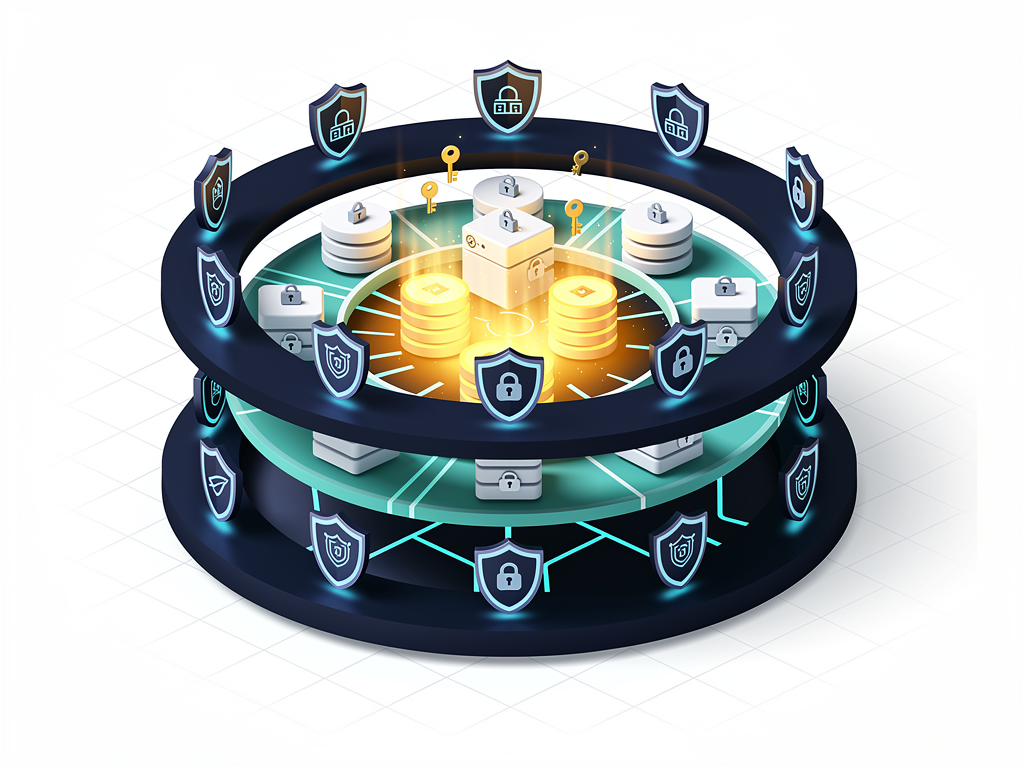
Tenant isolation is the foundational security concern for multi-tenant platforms. Data from one tenant must never leak to another, even in error conditions or edge cases. This requires careful database design (row-level security, tenant ID validation on every query), session management (ensuring authentication tokens are scoped appropriately), and infrastructure configuration (preventing cross-tenant resource access). NextBuilder's architecture addresses these concerns by design, but you should understand the isolation mechanisms and verify they meet your security requirements.
Authentication security encompasses password policies, session management, and protection against common attacks like credential stuffing and session hijacking. NextAuth 5.0, which NextBuilder uses, provides a solid foundation with active security maintenance. However, you remain responsible for configuration decisions that affect security, such as session duration, password requirements, and rate limiting on authentication endpoints.
Payment security is largely delegated to Stripe, which handles PCI compliance for card processing. However, you must still protect Stripe API keys, validate webhook signatures, and ensure your billing logic cannot be manipulated to grant unauthorized access. Review your boilerplate's payment integration carefully to understand how it handles these security-critical operations.
Compliance frameworks like SOC 2, GDPR, and HIPAA may apply to your platform depending on your customers and their industries. While no boilerplate makes you automatically compliant, some architectures support compliance more easily than others. Self-hosting capabilities, audit logging, data encryption, and access controls all contribute to compliance readiness. Evaluate these factors if you anticipate serving customers with specific compliance requirements.
Performance Optimization Strategies
Platform performance directly impacts user experience and, consequently, customer retention and conversion rates. Understanding how your boilerplate approaches performance helps you anticipate optimization needs.
Server-side rendering and static generation capabilities in Next.js provide performance advantages over purely client-rendered applications. NextBuilder leverages the App Router's capabilities for optimal rendering strategies, generating static content where possible while supporting dynamic content where necessary. Understanding these rendering modes helps you make appropriate choices for different parts of your application.
Database performance becomes critical as your platform scales. Query optimization, connection pooling, and caching strategies all affect response times. Prisma provides query optimization features, but you remain responsible for designing efficient data access patterns. Consider how your boilerplate structures database queries and whether those patterns will scale with your expected growth.
Edge caching and CDN integration accelerate content delivery for geographically distributed users. For platforms with global customer bases, serving static assets and cached content from edge locations significantly improves perceived performance. Evaluate whether your deployment strategy supports edge caching and how your boilerplate's architecture accommodates it.
Real-time features add performance complexity. If your platform includes real-time collaboration, live updates, or instant notifications, you need WebSocket or Server-Sent Events infrastructure that scales differently than traditional request-response patterns. Consider whether your boilerplate supports real-time features and how those features are architected for scale.
Performance monitoring and observability help you identify and resolve issues before they impact users significantly. Integration with monitoring services, structured logging, and error tracking are valuable features that accelerate debugging and optimization. NextBuilder's architecture supports these observability practices, though you will need to configure specific monitoring services based on your preferences.
Building Your Development Team Around Your Platform Choice
Your boilerplate choice affects hiring and team structure. The technologies and patterns in your codebase determine what skills you need and how easily you can onboard new team members.
React and Next.js expertise is foundational for both platforms, and these skills are abundant in the US developer market. TypeScript proficiency is increasingly expected for professional React development, and both platforms use TypeScript throughout. These mainstream technology choices simplify hiring compared to boilerplates using niche frameworks or languages.
Platform-specific knowledge matters more for complex architectures. A developer joining a NextBuilder-based project needs to understand multi-tenancy patterns, permission systems, and domain routing in addition to general React/Next.js skills. This learning curve is manageable but real; factor it into onboarding timelines for new team members.
Documentation quality affects team productivity beyond the initial developer. When multiple people work on a codebase, clear documentation of architecture decisions, configuration options, and extension patterns prevents knowledge silos and reduces coordination overhead. Evaluate documentation not just for your own understanding but for how well it will serve future team members.
Code organization and conventions influence how easily developers can navigate and modify the codebase. Consistent patterns, clear file structures, and well-named abstractions make codebases more maintainable. Review the code organization in any boilerplate you consider, looking for patterns you find intuitive and conventions that match your team's preferences.

Real-World Success Patterns and Common Pitfalls
Learning from others' experiences accelerates your own success. Common patterns emerge among successful platform builders, as do recurring mistakes that derail projects.
Successful pattern: Start with core value, expand gradually. Successful platforms typically launch with a focused feature set that delivers clear value, then expand based on customer feedback. Your boilerplate provides many features, but you do not need to expose all of them immediately. Launch with the minimum viable platform and iterate based on actual usage patterns.
Successful pattern: Invest in customer onboarding. Platform products have inherent complexity; your customers need to learn your tools before they can succeed. Successful platforms invest heavily in onboarding flows, documentation, and customer success resources. Plan for this investment regardless of which boilerplate you choose.
Common pitfall: Premature optimization. Spending weeks optimizing performance or adding features before you have paying customers is a common trap. Your boilerplate provides a production-ready foundation; trust it to handle your initial scale and focus on finding product-market fit before optimizing for scale you have not yet achieved.
Common pitfall: Underestimating support burden. Platform businesses generate more support requests than single-product SaaS because your customers are building things and encountering edge cases. Plan for support capacity from the beginning, and design self-service resources that reduce the burden on your team.
Common pitfall: Ignoring billing complexity. Platform billing models are inherently complex, with usage-based components, tiered pricing, and potentially revenue sharing with customers. Test your billing logic thoroughly before launch, including edge cases like upgrades, downgrades, cancellations, and failed payments. Billing bugs erode customer trust faster than almost any other issue.
Making Your Final Decision
After examining all these factors, your decision should be clearer. The choice between NextBuilder and simpler alternatives ultimately depends on what you are building and how you plan to grow.
Choose NextBuilder if: You are building a platform where your customers create applications, websites, forms, or other content. You need custom domains with SSL for your customers. You want to enable your customers to monetize their own creations. You are building for agencies or enterprises that need white-label capabilities. You want comprehensive multi-tenancy without building it yourself.
Choose simpler alternatives if: You are building a single SaaS product for direct customers. You do not need custom domains for individual users. Your authentication model is straightforward (users sign up, users log in, users use your product). You prioritize absolute simplicity and fastest possible launch over long-term platform capabilities.
Consider your product roadmap, not just your immediate needs. If you are building an MVP to validate an idea that could eventually become a platform, starting with NextBuilder provides a growth path without migration. If you are confident your product will remain a single-tenant application, the additional complexity of platform architecture is unnecessary overhead.
The SaaS boilerplate market continues to evolve, with new options appearing regularly. However, the fundamental distinction between platform-focused and product-focused solutions remains stable. Understanding this distinction and honestly assessing your own needs leads to better decisions than chasing the latest trending option.
Conclusion
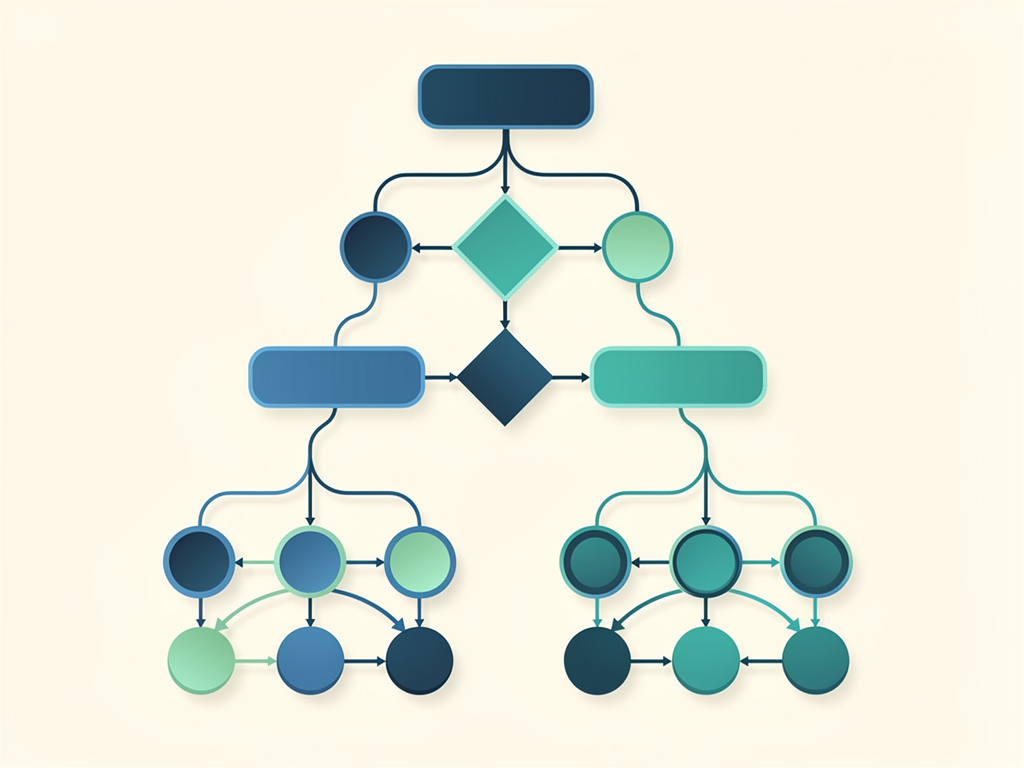
The comparison between NextBuilder and simpler SaaS boilerplates reveals a fundamental truth about software development: the right tool depends entirely on the job. NextBuilder excels for founders and teams building multi-tenant platforms where customers create their own applications with custom domains and nested user management. Its architecture, built specifically for this use case, saves hundreds of hours compared to retrofitting simpler solutions for platform requirements.
For straightforward SaaS products serving direct customers without platform complexity, simpler boilerplates offer faster initial setup and less architectural overhead. Neither approach is universally superior; they serve different markets with different needs.
Your decision should be guided by honest assessment of your product vision, your technical capabilities, your timeline, and your growth expectations. Consider not just what you need today but what you will need as your business scales. The cost of migrating between architectures later often exceeds the cost of choosing the more capable option initially, even if some features go unused in early stages.
Whatever you choose, remember that the boilerplate is a starting point, not a destination. Your success depends on the value you create for customers, not on the tools you use to create it. Choose the foundation that best supports your vision, then focus relentlessly on building something people want to use and pay for.
Frequently Asked Questions
Can I start with a simpler boilerplate and migrate to NextBuilder later if I need multi-tenancy?
Migration from single-tenant to multi-tenant architecture is technically possible but involves substantial refactoring work. You would need to restructure your database schema to accommodate tenant isolation, modify your authentication system to support multiple user types and contexts, update your routing logic to handle dynamic domains and subdomains, and revise your permission system for nested organizational structures. Depending on your application's complexity, this migration could take several weeks of focused development time. If there is a reasonable chance your product will evolve into a platform, starting with NextBuilder's architecture provides a smoother growth path. The additional complexity is manageable from day one and eliminates the migration burden entirely. However, if you are genuinely uncertain about your product direction, validating your core value proposition with a simpler solution before committing to platform architecture is a reasonable approach.
How does NextBuilder's self-hosting compare to deploying on Vercel or similar managed platforms?
NextBuilder's self-hosting approach using Hetzner, Coolify, and Supabase offers significant cost advantages at scale, with the documentation claiming enterprise-level hosting for approximately $15 per month. Managed platforms like Vercel provide easier initial deployment and automatic scaling but can become expensive as traffic grows, with costs potentially reaching hundreds or thousands of dollars monthly for high-traffic applications. Self-hosting requires more initial configuration and ongoing maintenance responsibility, including security updates, backup management, and scaling decisions. However, it provides greater control over your infrastructure, eliminates vendor lock-in concerns, and can be essential for compliance requirements that mandate specific data residency or security controls. The included self-hosting guide reduces the complexity barrier significantly, providing tested configurations rather than requiring you to research optimal setups yourself.
What level of technical expertise do I need to effectively use NextBuilder?
NextBuilder is designed for developers with intermediate to advanced React and Next.js experience. You should be comfortable with TypeScript, understand React component patterns and hooks, and have working knowledge of Next.js concepts like the App Router, server components, and API routes. Database experience with PostgreSQL and familiarity with ORMs (specifically Prisma) is helpful for customizing data models. For the self-hosting path, basic Linux server administration and Docker knowledge accelerate deployment, though the included guides provide step-by-step instructions. If you are new to React or Next.js, investing time in foundational learning before tackling a complex boilerplate will be more productive than trying to learn framework basics while simultaneously understanding platform architecture. The documentation assumes you can read and modify TypeScript code confidently.
How does NextBuilder handle scaling as my platform grows to thousands of tenants?
NextBuilder's architecture is designed for multi-tenant scale, with database design patterns that support tenant isolation without requiring separate databases for each customer. The PostgreSQL foundation with Prisma supports row-level security and efficient queries across tenant boundaries. As you scale, you would implement standard scaling strategies: database connection pooling, read replicas for query distribution, caching layers for frequently accessed data, and potentially database sharding for very large deployments. The self-hosting approach provides flexibility to scale infrastructure components independently based on bottlenecks. For most platforms, the included architecture handles thousands of tenants without modification; scaling challenges typically emerge at tens of thousands of active tenants or with unusually intensive workloads. At that scale, you would likely have engineering resources to implement custom optimizations based on your specific usage patterns.
Does NextBuilder support integration with external services and APIs I already use?
NextBuilder is built on standard Next.js patterns, making integration with external services straightforward. The server actions architecture provides natural integration points for external API calls, and the TypeScript foundation ensures type safety when working with external data. Common integrations like analytics services, customer support tools, and marketing automation platforms follow standard patterns documented throughout the Next.js ecosystem. For payment processing, NextBuilder includes Stripe integration out of the box, covering most subscription and one-time payment scenarios. If you need additional payment providers for specific markets or use cases, the payment architecture is extensible. The email system is self-contained but can be replaced or supplemented with external providers if you prefer services like SendGrid or Postmark. Generally, any service with a JavaScript SDK or REST API can be integrated following standard patterns.
What ongoing maintenance and updates can I expect after purchasing NextBuilder?
Boilerplate maintenance varies by provider, and you should verify current support terms before purchasing. Generally, quality boilerplates receive updates for security patches, framework version compatibility, and bug fixes. NextBuilder's use of Next.js 16 indicates active maintenance and commitment to staying current with the framework ecosystem. However, boilerplates differ from SaaS products in that you own and modify the code after purchase; you are not dependent on the provider for your application to function. This means you can apply your own security patches and framework updates if provider updates lag. The trade-off is that significant customizations may require manual merging when updates are released. Consider your comfort level with code maintenance when evaluating any boilerplate, and factor potential update integration time into your ongoing development planning.
Ready to Build Your Multi-Tenant Platform?
If you are building a no-code platform, app builder, or any SaaS where your customers create their own applications, NextBuilder provides the complete foundation you need. With multi-tenant architecture, custom domains with SSL, dual authentication systems, and comprehensive self-hosting guides, you can launch your platform in days instead of months. Stop wrestling with complex infrastructure decisions and start building the features that make your platform unique. Visit NextBuilder.dev to explore the demo and see how quickly you can bring your platform vision to life.
Subscribe to our newsletter
Subscribe to our newsletter and stay up-to-date with the latest news and updates.